Basic HTML Version


PINBALL GAME ASSEMBLY INSTRUCTIONS
It takes two people to assemble a PINBALL 2000 game.
Do not plug in or switch on power to the cabinet until assembly Is complete I
Power:
Domestic 120V
@
60Hz
Foreign 230V
@
50Hz
Japan 100V
@
50HZ
32°F
to
100° F, (O°C
to
38°C)
Not to exceed
95%
relative.
Temp:
Humidltv:
Dimensions:
Width: 24- approx.
Length:
48-
approx.
Height: 73- approx.
Weight:
Backbox: 130 LB approx.
Cabinet: 230 LB approx.
It is not necessary to open the computer case to assemble a PINBALL 2000 game. However,
should you ever find It necessary to open the case, be sure to replace the computer case cover.
Failure to do so will void FCC, UL and CE compliance, and may cause damage to the PC boards in
the case. The foam lining of the cover holds the PC boards securely in place and protects them
from vibrations that normally occur In a pinball game.
REMOVE THE PLAYFIELD
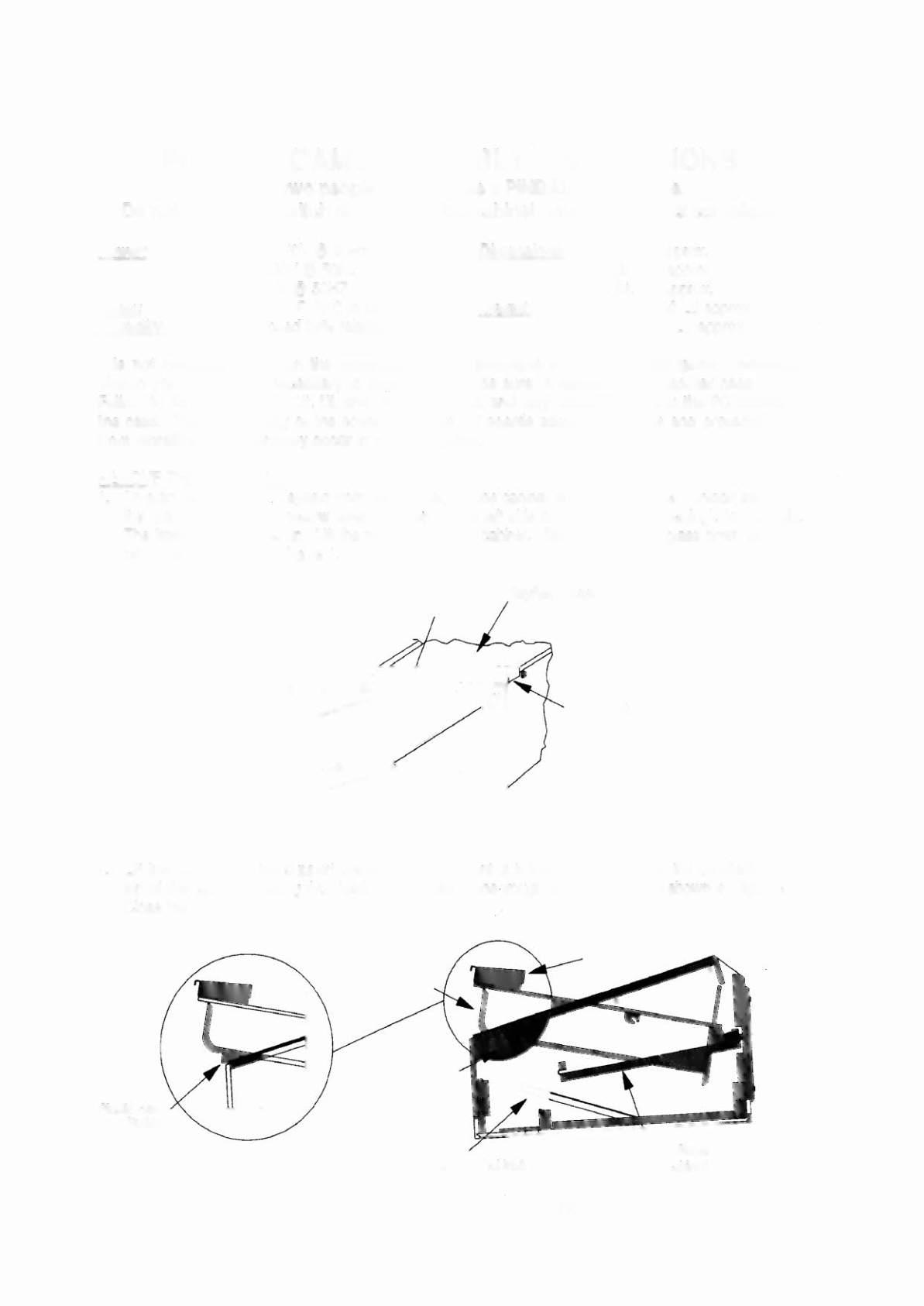
1. To start removing the. playfield from the cabinet, set the cabinet on a level surface. Unlock and open
the coin door. Pull the yellow lever, (located on the left side of the coin door opening), to the right.
The front molding pops up. Lift the molding from the cabinet. Slide the playfield glass down and lift it
off of the cabinet. See Figure 1.
Lever
Playfield Glass
Front Molding
FIGURE 1
2. Lift the playfield by the support bracket under the front of the bottom arch. Rest the playfield on the
top of the cabinet, nesting the plastic hex buttons in the trough of the bracket as shown in Figure 2A.
Close the coin door.
Plastic Hex
Button
FlGURE2A
FIGURE 2