Basic HTML Version


3.6 Adjust the red and green drive cont rols for "neutral
white" on high white picture areas. Genera lly these
controls will be left at mech . centre .
3.7 Note : When monitor is re-connected with the game
the screen control
(G2) may require a slight
adjustment to obtain proper black level. (the black
portion of picture just extinguished).
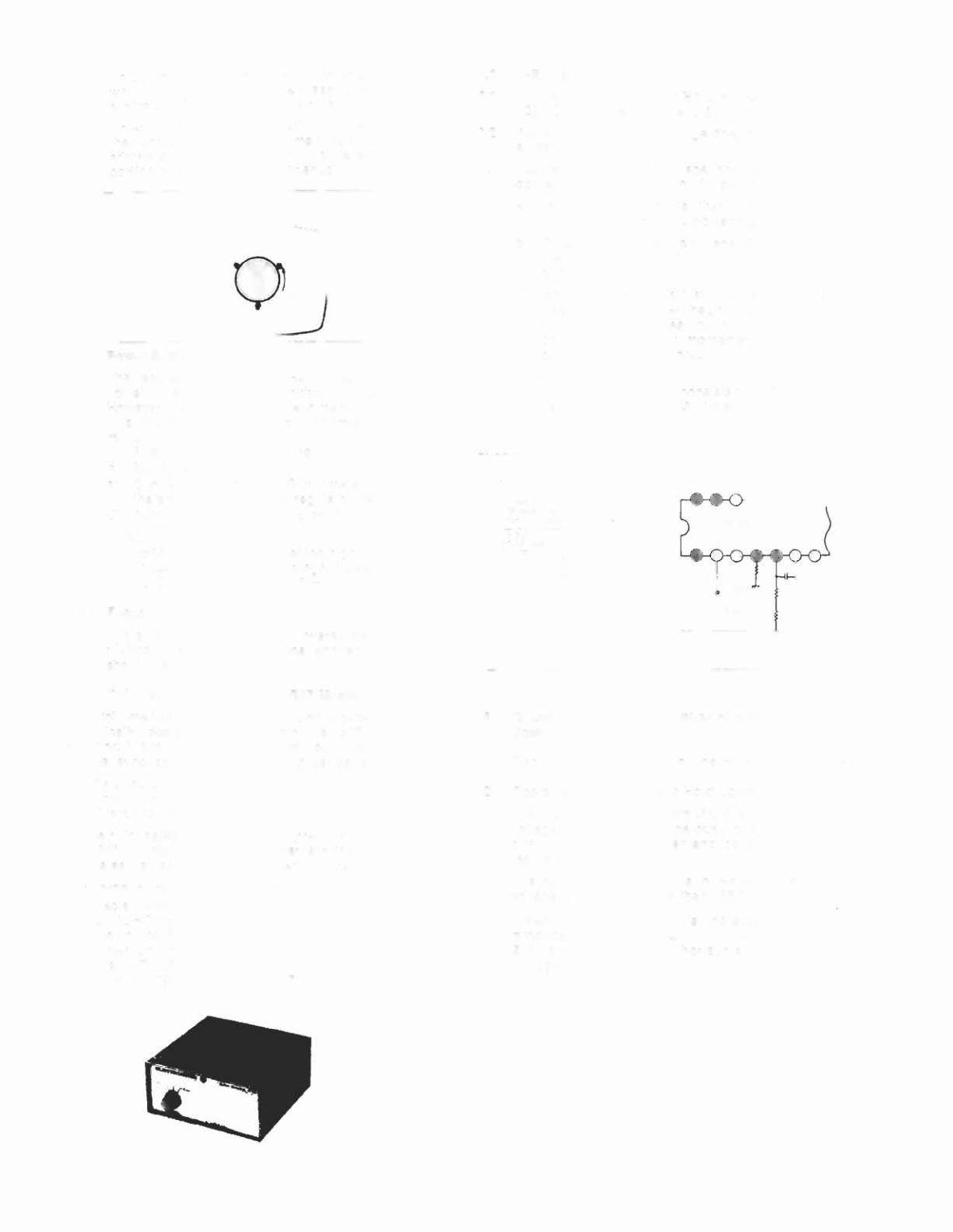
IREAR
VIEwl
Figure
11
4.0 Power Supply
The regulated -t81 control (R909) has been factory
adjusted and normally requires no adjustment.
However, if any repairs have been made to the chassis
it is recommended that this adjustment should be
made.
a) Allow 5 minutes to warm up.
b) No signal applied .
c) Connect an accurate D.C. voltmeter to TP-91 or
the emitter of
X04
power regulator transistor .
d) Adjust R909 for 120V. (See fig. 1)
Note:
Should -t81 control be set too high, it may cause
possible component damage. Use an accurate
D.C. voltmeter to set 81 (8+) .
5.0 Focus
Adjust focus control for best overall definition and
picture detail an average s'ignal applied. (Highlights
should be favoured .)
6.0 Color Service Generator for G07 Monitor
Electrohome has developed a color service generator that is
specifically designed
for
use with the G07 color data
monitor. It provides the monitor with both horizontal and
vertical sync, as well as the following test patterns:
1) Fine cross-hatch pattern
2) Broad bar cross-hatch pattern
3) Complete field
Three color selection switches , red, green and blue , provide
the ability to disp lay the above patterns in the three primary
colors as well as the three secondary colors .
This product may be ordered from:
Contracts Marketing
ELECTROHOME Electronics
809 Wellington SI. North
Kitchener, Ontario
Canada N2G 4J6
Telephone: (519) 744-7111, Ext. 567
7.0 X-Ray Emission Check
7.1 Assure the power supply 81 is properly adjusted to
120V DC. See Item 4.0 (page 8)
7.2 Assure that the anode voltage does not exceed max .
as per Item 2.0 page 4.
7.3 Assure that the high voltage hold down circuit is
operating correctly. Use the following procedure .
a) Increase the 81 greater than 138.5V by shorting
collector/emitter of the power regulator , X04 .
b) Observe that the anode voltage (EHT) goes to
O.
If
the EHT does not go to
D.
a fault must be located
and repaired.
c) Remove short and set should return to normal
operation. (Note, after the short is removed some
monitors may not restart. In this case . remove
power from monitor momentarily and normal
operation will be restored .
Note:
The protector circuit consists of the components
shown below in Fig. 13with a circuit description .
C701 1701
100/16 4.7 Kohli
Figure
13
8.0 Circuit Diagram and Description of High Voltage Hold
Down or Safety Circuit
8.1 Circuit Diagram of High Voltage Hold Down Circuit .
8.2 Operation of High Voltage Hold Down Circuit.
The high voltage hold-down circuit protects the high
voltage circuit from dangerous voltage with short
circuiting between emitter and collector of power
regulating transistor .
The base voltage of X701 is increased when the B1
voltage is increased more than 138 .5 V DC.
When the base of X701 is increased, a short is
produced by X701 between pin 11 and ground of IC
501, shutting down the horizontal osc. and high
voltage.
33