Basic HTML Version


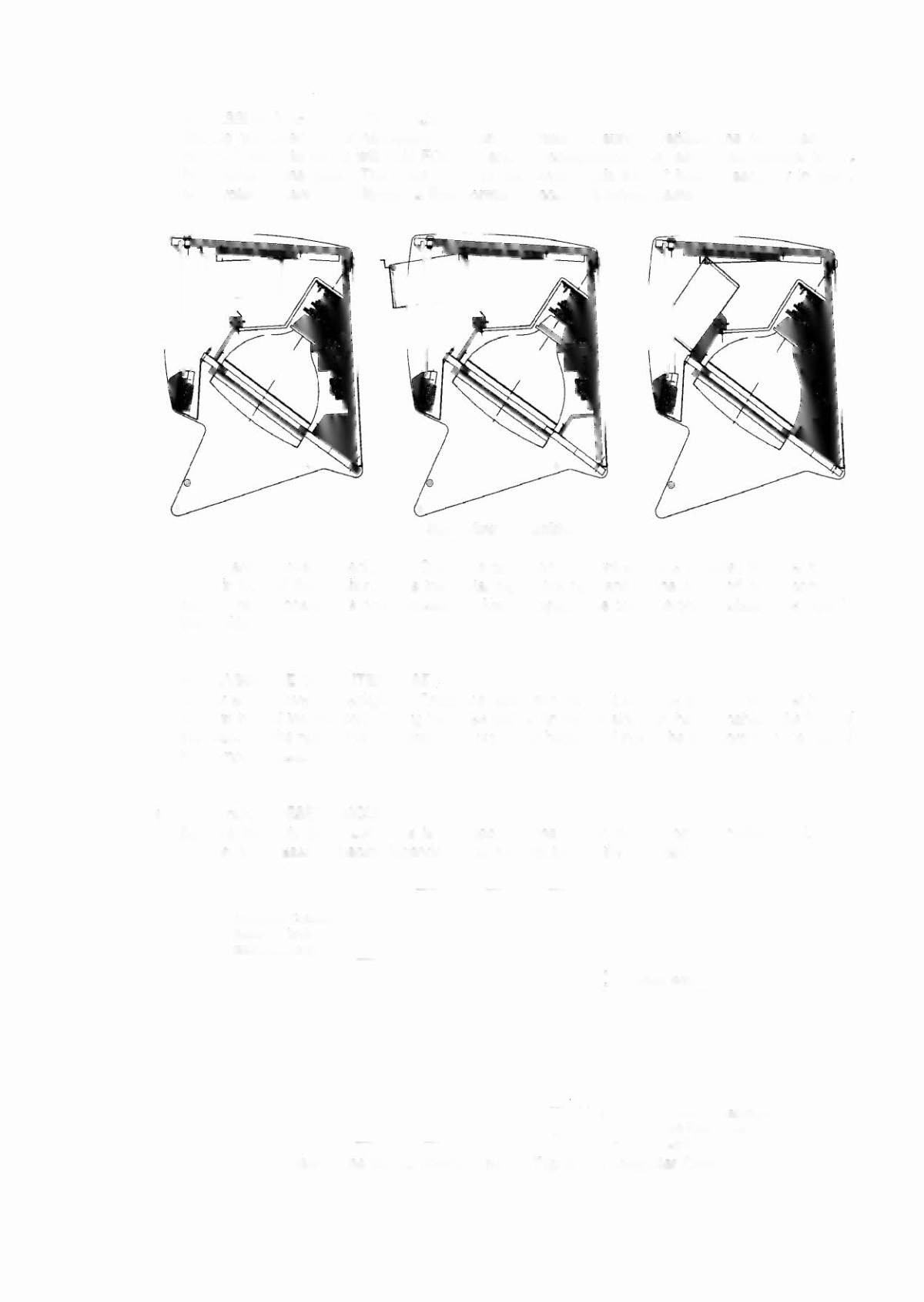
• ACCESSINGTHE COMPUTER CASE
Should you ever find it necessary to open the case, be sure to replace the computer case
cover. Failure to do so will void FCC, UL and CE compliance, and may cause damage to the
PC boards in the case. The foam lining of the cover holds the PC boards securely in place
and protects them from vibrations that nonnally occur in a pinball game.
Side View of Backbox
Unlock and remove the backglass. Grasp the case from the front and slide it toward you. Let it hang
down in front of the monitor. Slide the metal clip to the right and lift the cover off of the computer
case. The PC boards are now accessible. Always replace the cover before reinstalling the case in
the backbox.
• REMOVINGTHE COMPUTER CASE
Unlock and remove the backglass. Grasp the case from the front and slide it toward you. Let it hang
down in front of the monitor. Unplug the three cables on the left side and the one cable in the front of
the case. Uft the rear of the case and pull it out of the backbox. Unplug the IEC cord from the rear of
the computer case.
• WATCHDOG-RESETCIRCUIT
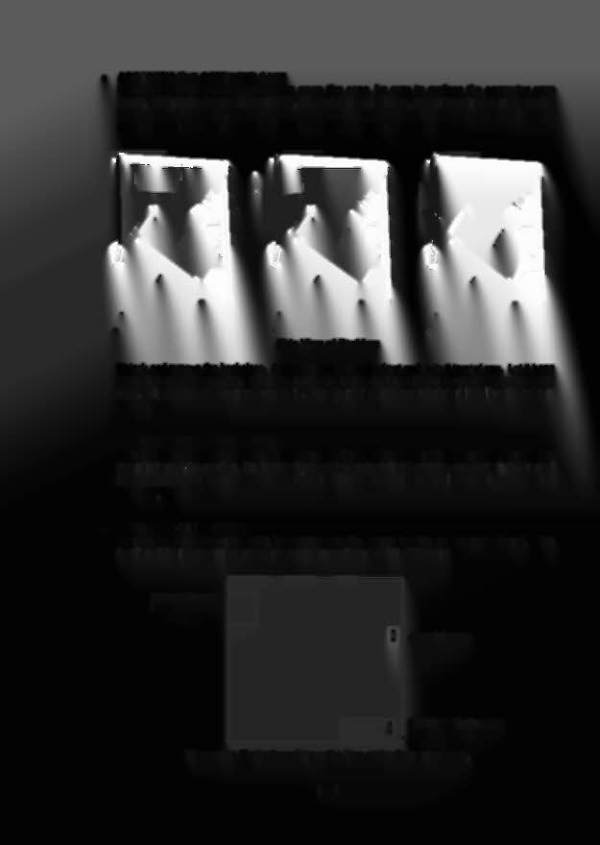
Be sure the watchdog-reset cable is plugged into the proper location on the motherboard. The
location of the reset connector depends on the manufacturer of the PC board.
Keyboard Connector
(same for bodI
manufacturers)
~ James Industries
"I
GCT All Well Technologies
L
--======="~ .
(Last
Two Pins on the
I
Connector)
View of the Motherboard from the Top of the Computer Case.
1-41