Basic HTML Version



TEST/DIAGNOST1C PROCEDURES (Continued)
SYSTEM-frs'
MEMORY
CHIP TEST.
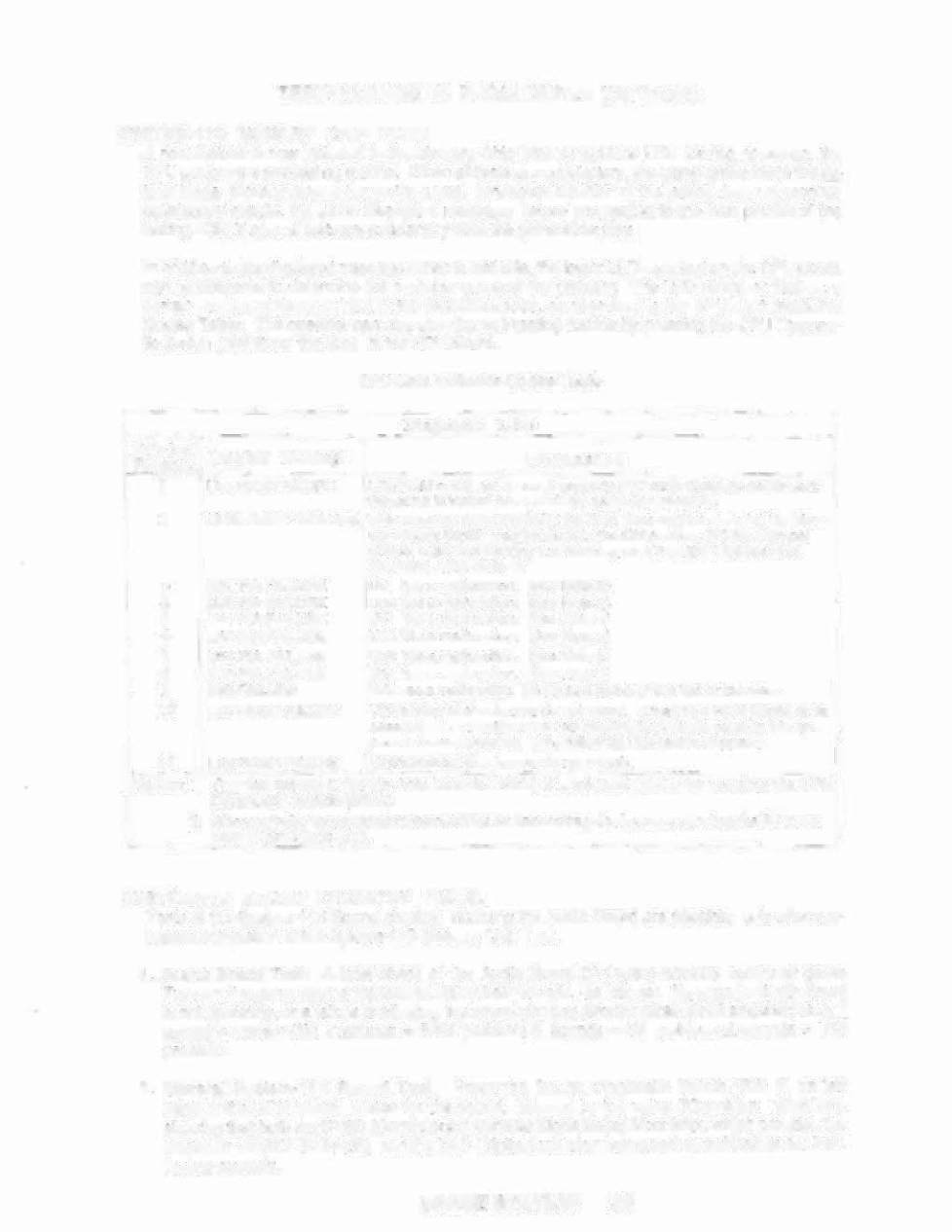
A new feature is now included in the Memo\)' Chip Test, lor System 11B. During power-up, the
CPU
perrorrns a
selHestirrg to(Jlirie. When qll tests
are
satisfactory, 1he
game
proceeds to the
&.
Iracl
Mode, allowing players to
use the
game. When6v-eJa portion of 11le tesling does not produce
saUsfac1c)ly results. the game displays
a
message,
betors
proceeding
10
tM next
portion of the
lest ilK'l , ONLY after all tests a,re satisfaqo,ry does the gams'allow p·lay.,
In addition 10 the dlsplay~d message, when a test fails, the lower LED mounted on the. CPU Board
carl be observed to determine Ihe probable cause of ,ne problem.
The LED blinks, or flashes, a
certain number of limes 10 identify the probable cause, as described in
the
CPU LED Indicator
Codes Table.
rhe
operater can also slart the selHesUng routlria
by
pressing the CPU Dia9110S-
HoSwitch (SW 2) on Ihe edge of Ihe CPU Board.
CPU I.ED Indtcator Codes Table
Dlagr rostlc LED '
Blinksl
Display" Messag .e
Flashes
1
U25 RAM FAILURE
USI ha" a
malfunc!ion. (SI).II
NOla 2)
U3S has
a
mali1.lnctioA
(Sea
Nole,2)
U41 Ilaa a rrn:I~undlcH1.
(Sea
Now 2)
U42 h1)s a malfuoctlon.
(Sea Note 2)
U54 has a
maliunotlo(l.
(SBa
Note 2)
U10 nas a mslruncllon.
(Sae Note 2)
IRQ nasa mallunctibn,
lI'may
bQ
mIM.lng·
Of
too last
or
100 alow.·
1127's
Intemai
checks.ul"T"\s
do not
match.
It rnt>,ybe e ROM fallura; Of
itt;
associated
cOl1l1ectloflS
and
i':onriedlrigd~vlca" ara .;:auslng
It
I,,,
ap-
pear
to.hav ••
II
problem. (The
f'ollowlng
U26 taa .!
Is
skipped ;)
11 U26ROMFAILURE
U26's
lrita ~nal
checksums do
1\01
matcll.
U25.RAM could not be used properly (NO ol,he'flests ara pertcrrnad:
the game Is lo:ei<.ed hera,
,unll1
the gameo"la tUrned '[iII).
, MEM. PROT. FAILURE This message means Ihat {A} ihe Coin DoQr may be shut; (8) the Mem-
ory Protect Switch
may
be I>I'Uck In Iha ON position: {OJ the mamoiy
ptiltec;:t
logic
1&
Pfoillcting
\ha memory: or (D) a UZ5 RAM
fallu;iI is
ooc
u«l,.,
g..
(Sell
Nelli
1)
.
2
3
4
5
6
7
8
9
10
U51 PIA FAILURE
L:i38
PIA FAilURE
U41 PIA FAILURE
U42 PIA FAILURE
U54 PIA FAILURE
U10 PIA FAILURE
IRQ fAIl_liRE
U27 ROM FAIWRE
N.otes; I. This testassumesthat the Coin Door-is OPEN;
itis initiated
ONLY by
pressing the CPU
Diag~tic Switch
(SW2).
.'
2. Altrmat,ively,
irs
associared conneetioas
OT
connecting devices are causing the
Ie
to:
lip-
~ar
to
have problems,
.
SVSTEM-11B SOUND CIRCUITRY,
TeSTS.
Tests.et
the Sys~em-l1 B Sound <;ircuitry, ii1Cludlrig the Audio Board are posslbls. only alter suc-
cessful completion of the Systal'11-118 Memory Chip Test.
1. Audl,Q Board
Teat.
A
Mel
check 01 the Audio Board (D-11581) cIrcuitry occurs
at
game
Turn-on; the game reports thetest results by brief sounds, as follOWS: NQ soynd = Audio Board
is not operating. or
a
failure Is affectlng
the
sound circuitry (broken
cable;
dead ampHHer; etc.);
1
~
= system (.')K; 2 ~>lUnds •• R.AM problem.; 3 sOllnds
'=
U4 problem; 4 ..soynds ••. Ui9
problem.
2. General Sy$tem~11B Sound Test.
Press the Sound f)lagi:loslic'
Switch (SW 1) on tefl
edge
ot
the' CPU
Boa'rd.
Listen for
the
sound, followed
by
the voice ("Condition:
GREEN~).
showing 'lht!1 bolh the
CVSD
(Contiriuously
Variable
Slcpe Delta) Modulator, which provides the
VoicesJor
SPACE STATION,
and the
DAC
(DlgilaJ.1o-Analog Cpnverter) sound cirCuils are func-
tioning properly.