Basic HTML Version



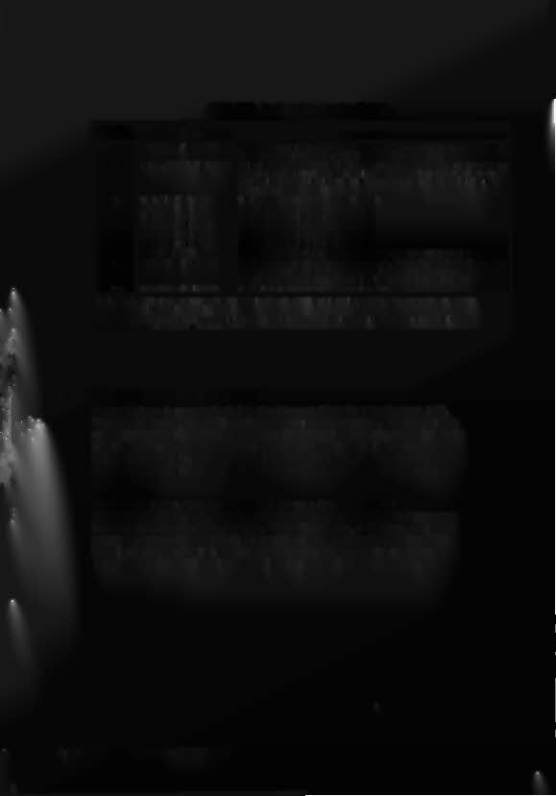
CPU LED Indicator Codes Table
Blink.,
CPU Problem
Explanation
FI•• h••
1
U25 RAM FAILURE
U25 RAM could not be used properly (NO other tests are performed;
the game Is locked here, until the game Is turned off) .
2
MEM. PROT. FAILURE This message means that (A) the Coin Door may be shut; (8) the Mem-
ory Protect Switch may be stuck In the ON position; (C) the memory
protect logic Is protecting the me mory; or (D) a U25 RAM failure is
occurring. (See Note 1)
3
U51 PIA FAILURE
U51 has a malfunction . (See Note 2)
4
U38 PIA FAILURE
U38 has a malfunction.
(See Note 2)
5 U41 PIA FAILURE
U41 has a malfunction.
(See Note 2)
6
U42 PIA FAILURE
U42 has a malfunction.
(See Note 2)
7
U54 PIA FAILURE
U54 has a malfunction.
(See Note 2)
6
U10 PIA FAILURE
U10 has a malfunctIon.
(See Note 2)
9
IROFAILURE
IRO has a malfunction. It may be missing or too fast or too slow.
10
U27 ROM FAILURE
U27's Internal checksums do not match. It may be a ROM failure, or Its
associated connections and connectlngdevices are causing it to ap-
pear to have a problem. (The following U26 test Is skipped .)
1 1
U26 ROM FAILURE
U26's Internal checksums do not match.
Notes:
1. This test assumes that the Coin Door Is OPEN; It Is Initiated ONLY by pressing the CPU
Diagnostic Switch (SW2) .
2. Alternatively,
Its associated connections or connecting devices are causing the IC to ap-
pear to have problems.
5Y5TEM-ll C MEMORY CHIP TEST
A new feature is now included in the Memory Chip Test for System 11C,
During power-up. the CPU performs a self-testing routine. When all tests
are satisfactory. the game proceeds to the Attract Mode. allowing players to
use the game . Whenever a portion of the testing does not produce
satisfactory results. the game displays a message. before proceeding to the
next portion of the testing. ONLYafter all tests are satisfactory does the
game allow play to begin.
In addition to the displayed message. when a test fails. LED2
('DIAGNOSTIC')mounted on the CPUBoard can be observed to determine
the probable cause of the problem. This LEDblinks, or flashes. a certain
number of times to identify the probable cause. as described in the CPU
LED Indicator Codes Table. The operator can also reset the program
by pressing the CPUSwitch (SW2) on the edge of the CPUBoard.
1-42 Test/Diagnostic Procedures