Basic HTML Version


Game Control Locations
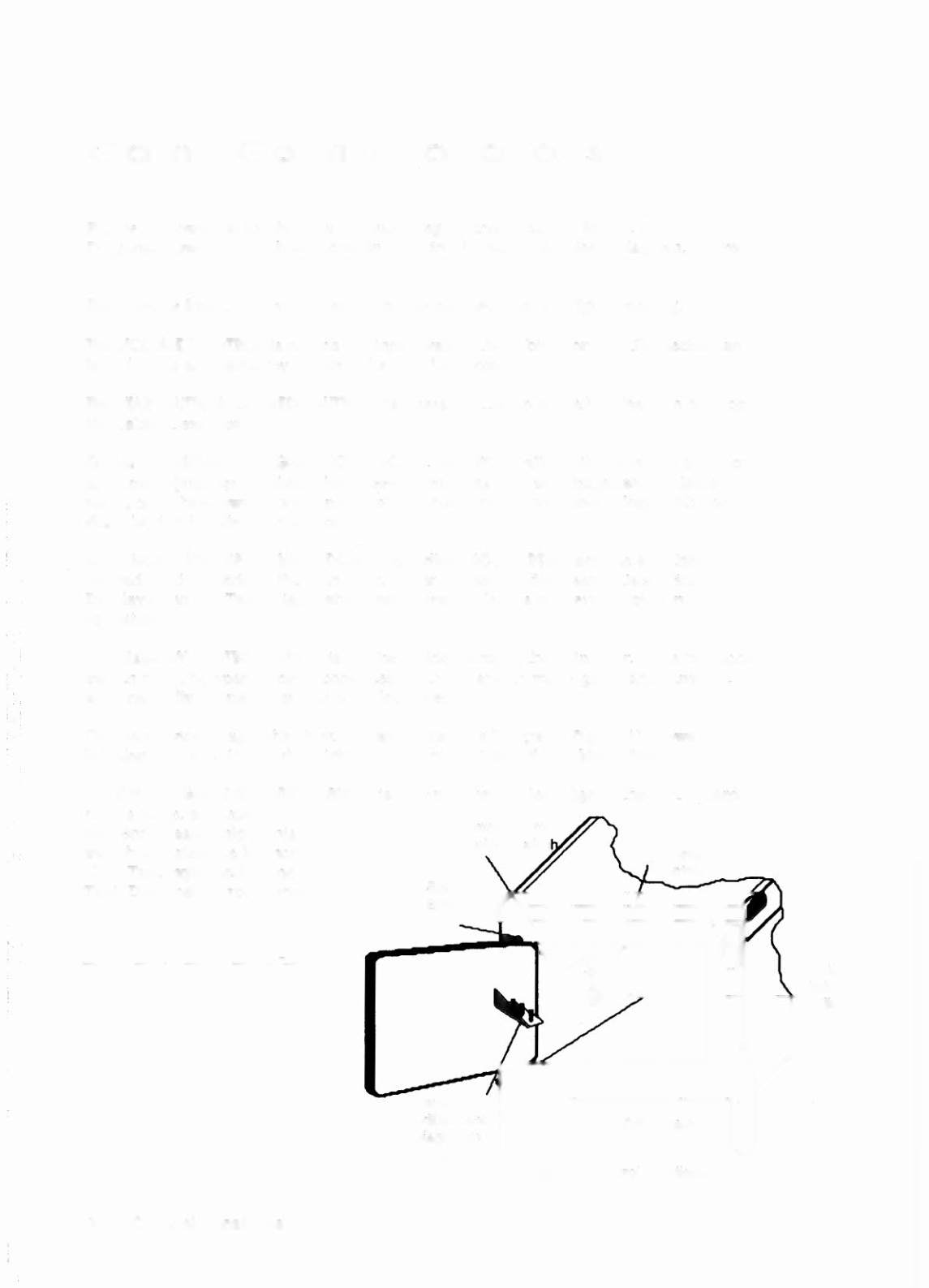
Figure 2 shows the locations of the following switches. except for the CPU
Diagnostic switch. which is shown in the Circuit Board Locations Diagram. figure 1.
THE ON-OFF SWITCH
is on the bottom of the cabinet near the right front leg.
THE VOLUME CONTROL
is on the left inner wall of the cabinet on the tilt mechanism
board. It is accessible by opening the coin box door.
THE STARTBunON (or CREDIT BUnON)
is a pushbutton to the left of the coin door on
the cabinet exterior.
GAME ADJUSTMENT/DIAGNOSTIC SWITCHES.
RADICALI
allows the operator to control
all game adjustments. obtain bookkeeping information. and diagnose problems.
using only three switches mounted on the inside of the coin door. along with the
Start button beside the coin door.
ADVANCE, AUTO-UP/MANUAL-DOWN,
and
HIGH-SCORE RESET
are the switches
located on the inside of the coin door. Refer to the text discussing Game Status
Displays and the Test/Diagnostic Procedures for details concerning button
operation.
THE MEMORY PROTECT SWITCH
is on the inside frame of the coin door. This interlock
switch must be open to clear bookkeeping totals and to make game adjustments.
It
automatically opens. when the coin door opens.
On the previous page. the Circuit Board Locations Diagram (Figure 1) shows the
location of the CPU Board switch (left edge of CPU Board. Backbox View).
THE CPU DIAGNOSnC SWITCH
(SW 2) is mounted on the left edge of the CPU Board
near a large. socketed
microprocessor chip. This
switch initiates the Memory
Chip Test explained in the
Test/Diagnostic Procedures.
Start
,
On-Off Switch
Figure 2. Control Locations
1-4 Control Locations