Basic HTML Version



SECTION 4
GAME BOOKKEEPING
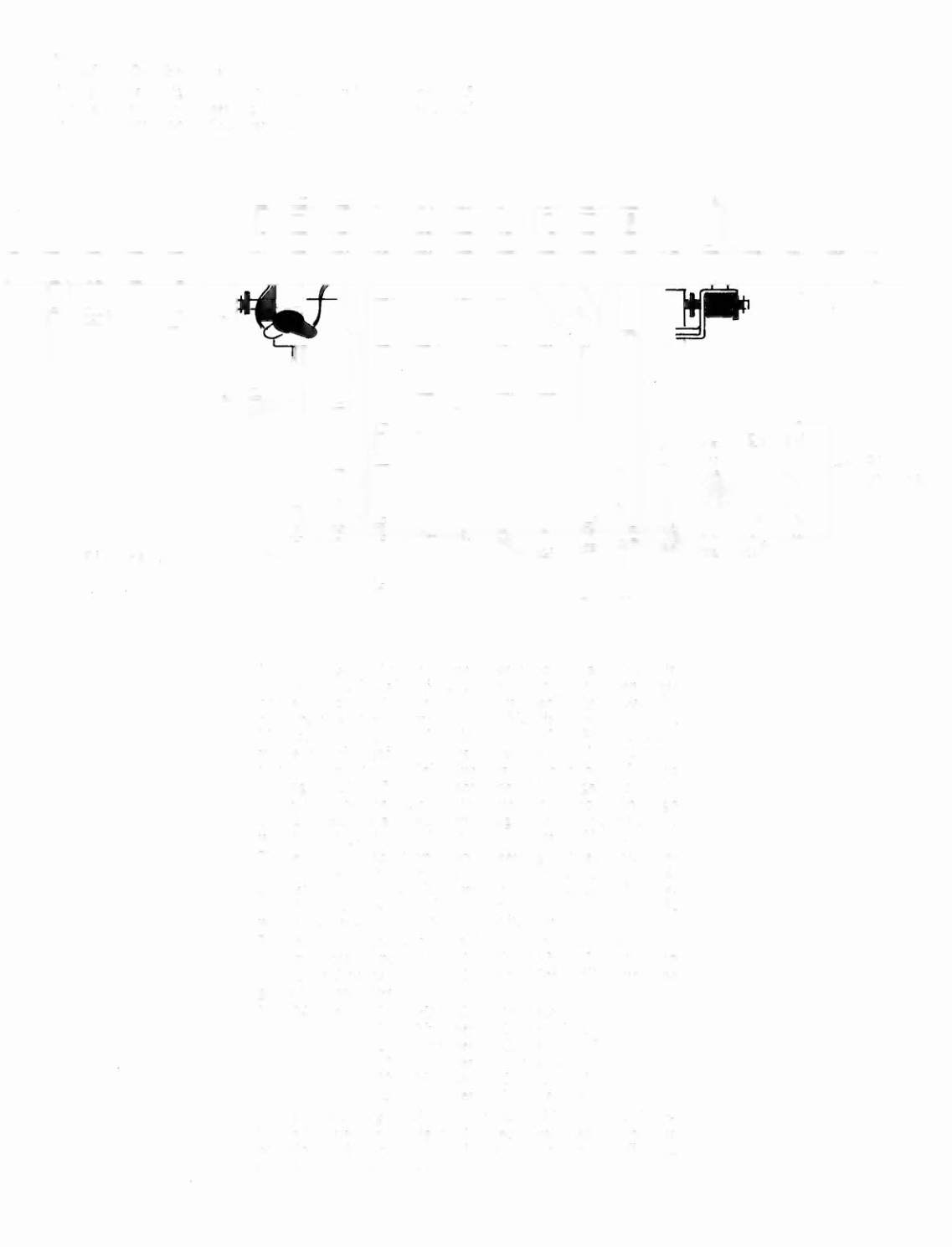
The game is designed with operator in mind. There are 5
separate game bookkeeping totals which can be accessed
from the coin door. (See Figure 3).
f
II
I
I
I ,
Figure 3
I
I
With the game in the game over mode, place the coin
door diagnostic switch in the manual position. Then press
the advance switch once. This immediately enters the
diagnostic at test 4, subtest 18. This displays the current
high score to date in the Player I display. Press the ad-
vance switch again and this advances the diagnostic to
test 4, subtest 19. This displays the number of coins
through Slot I. Press the advance switch again to go to
subtest 20, which displays the number of coins through
Slot 2. Press the advance switch again to go to subtest 21,
which displays the number of coins through Slot 3.
There are two additional bookkeeping entries which are
again accessed by pressing the advance switch. Test 4,
subtest 22 displays the number of credits paid for.
Pressing the advance switch again advances to subtest 23,
which displays the number of credits won.
To return to game over after reading out the book-
keeping totals,
place the AUTO/MANUAL switch to
AUTO and press ADY ANCE once. This will return the
game to game over.
Test 04 Subtest 18
19
20
21
22
23
High Score to Date
Number of Coins - Slot I
Number of Coins - Slot 2
Number of Coins - Slot 3
Number of Credits paid
Number of Credits won
The bookkeeping totals are not resettable to zero, there-
fore a log similar to Figure 4 is recommended.
If there is
no coin slot #2, the number displayed is of no significance
and should be ignored.
SELF-TEST SWS.
AUTO
•
MANUAL ADVANCE