Basic HTML Version



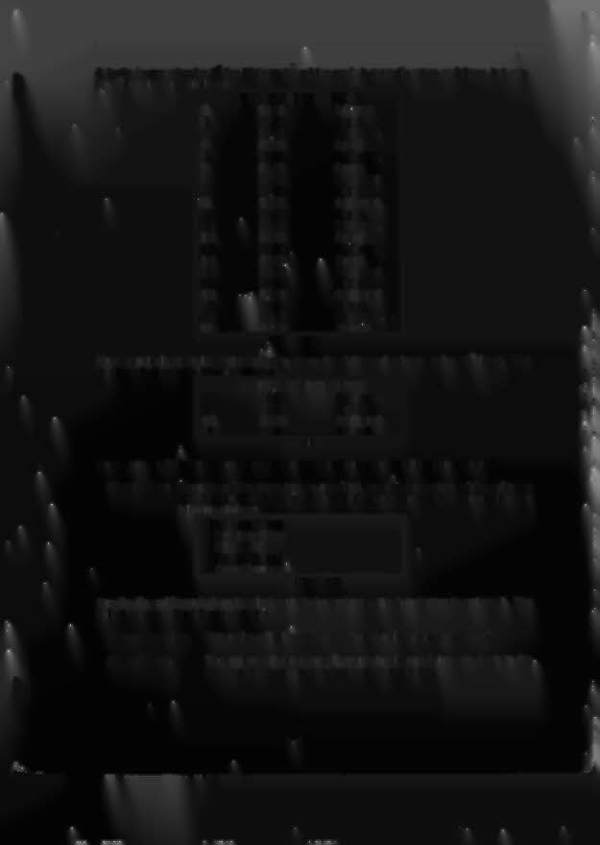
Actually, by repeating the 1
st
line
20
times th~ pricing mode is currently set up as follows, but only
the 1
st
four lines are d'
I
d
',.
ISQlaye
CUSTOM PRICING EDITOR
1)
$0.25
1 /2
credo
2)
$0.50
1 ered.
3)
$0~75
1
1/2
crsd,
4)
$1.00
2
credo
5)
$1.25
2112
credo
6}
$1.50
3 credo
7}
$1.75
31/2
credo
8)
$2.00
4
credo
9)
$2.25
4112
credo
10}
$2.50
5 credo
11}
$2.75
5112
ered.
12)
$3.00
6
ered.
13)
$3.25
61/2
credo
14}
$3.50
7 ered.
15)
$3.75
71/2 credo
16)
$4.00
8 ered.
17)
.
,
$4.25
8112
ered
i8}
$4.50
9
credo
19}
$4.75
9112
credo
20)
$5.00
10 cred
.PISPLAY VIEW
Now repeatedly press the Enter button to move the right hand column to the 201h level. The
display will show (withrr"•••l
o.••..•.
e=re=d~. " B~l~in~ki~n~g)
::~":"":"'=::===:==:'",=,=====jJ
CUSTOM PRICING EDITOR
17}
$4.25
8
1/2
credo
18)
$4.50
9
credo
19)
$4.75
91/2
credo
20)
$5.00
10
ered
DISPLAY VIEW
Now press the Up button repeatedly until the right hand column of line
20
reads
"15
cred."
Start Button:
bnce the pricing mode has be specified, you exit the custom pricing editor by
pressing the 'Start" button. This will bring up a menu with some or all of the
following choices:
Choose an Option:
Return to Editor
Clear Pricing
Ignore Changes
Save Changes
DISPLAY VIEW
Use the Up and Down buttons to select your choice and press the Enter button to activate it. The
selections cause the following actions:
Return
To
Editor:
This option will allow you to continue to edit the pricing information.
Clear Pricing:
This option will clear out all pricing levels and bring you back to the.
pricing editor to create a pricinq mode from scratch.
1-43
. ;
I
I
.,J,{!